Personal Finance · Mobile App · Mobile App · 2025
Personal Finance Management App
Reducing manual expense logging friction with AI receipt scanning.
- #MobileApp
- #UserStories&AC
- #MoSCoW
- #Wireframing
 Expand
Personal finance apps suffer from a notorious retention problem: users download them with high motivation, but abandon them within two weeks because logging a $2 coffee takes 8 taps. I analyzed, specified, and prototyped a mobile finance tracker focused on sub-5-second logging and fault-tolerant AI receipt scanning.
View CV- Role
- Business Analyst
- Team size
- Personal Project
- Timeline
- 2025
- Deliverables
- PRD, MoSCoW Matrix, User Stories & AC, Wireframes & Prototype
Context
Through competitive teardown and user interviews with students and early-career professionals, I discovered that the primary friction wasn't lack of charts—it was the daily burden of data entry. When a user misses logging for two days, their wallet balance drifts from reality, trust in the app breaks, and they churn.
Business Goals & Objectives
- Cut manual expense entry time to under 5 seconds using a numpad-first home screen.
- Specify an AI OCR receipt scanning flow that gracefully handles partial or blurry extractions.
- Provide actionable budget threshold alerts (80% / 100%) rather than passive end-of-month charts.
My Role & BA Responsibilities
- Conducted problem framing, competitive analysis, and MoSCoW scope prioritization.
- Authored Epics, User Stories, and Given/When/Then Acceptance Criteria.
- Mapped happy/exception user flows, designed wireframes, and built a functional interactive prototype.
Approach
“An AI feature is only as good as its fallback state: when OCR isn't sure about a receipt total, the UI should ask for a 1-tap confirmation, never silently save a wrong number.”
 Expand
Process & Workflows
Three taps for manual entry, one snap for receipts.
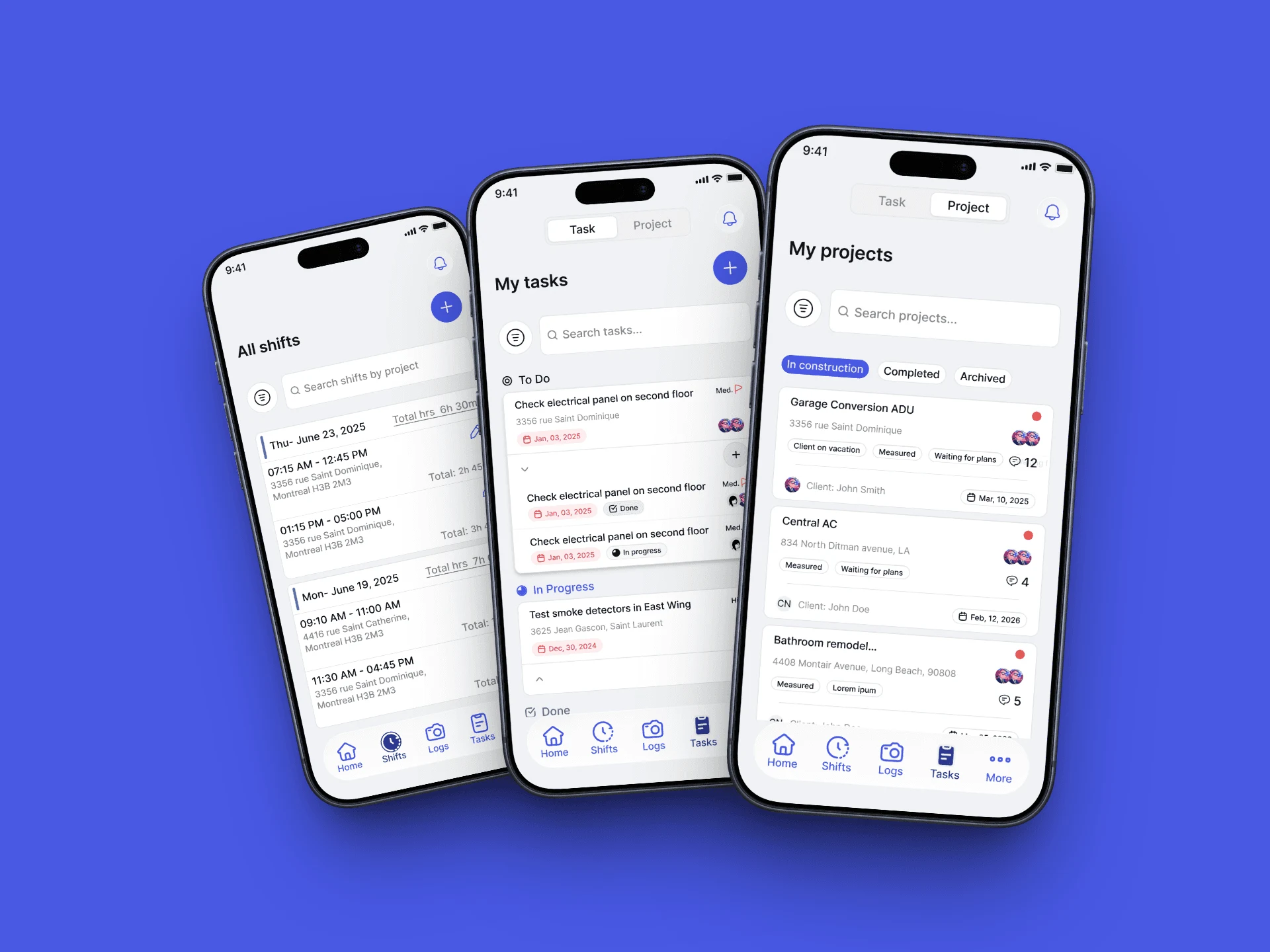
Instead of opening on a complex analytics dashboard, the app opens with the numeric keypad and recent categories immediately reachable by thumb.
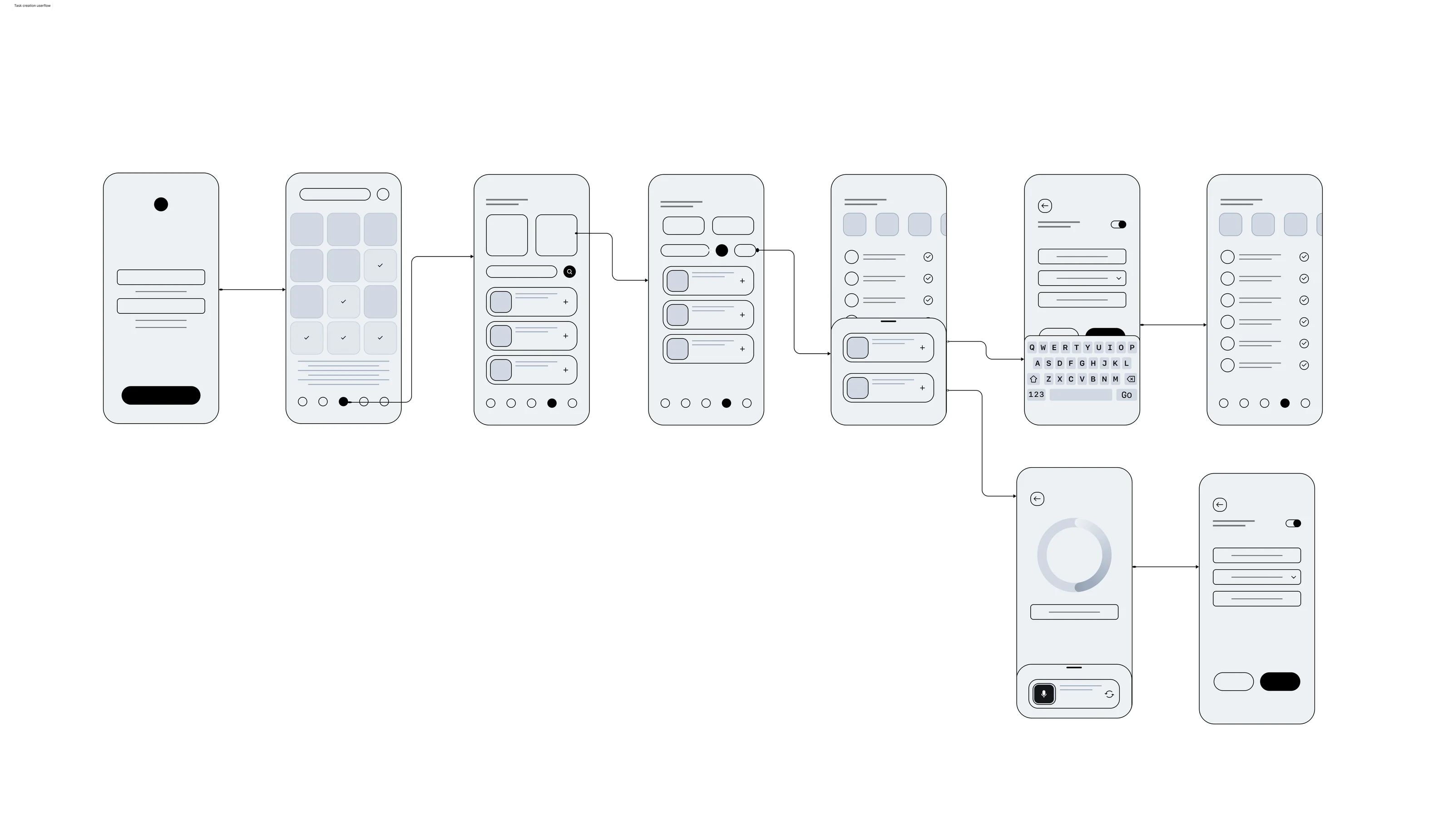
For receipt scanning, I mapped the complete interaction loop between the mobile client, OCR extraction service, and user confirmation drawer—explicitly designing for low-light photos, crumpled thermal paper, and duplicate uploads.
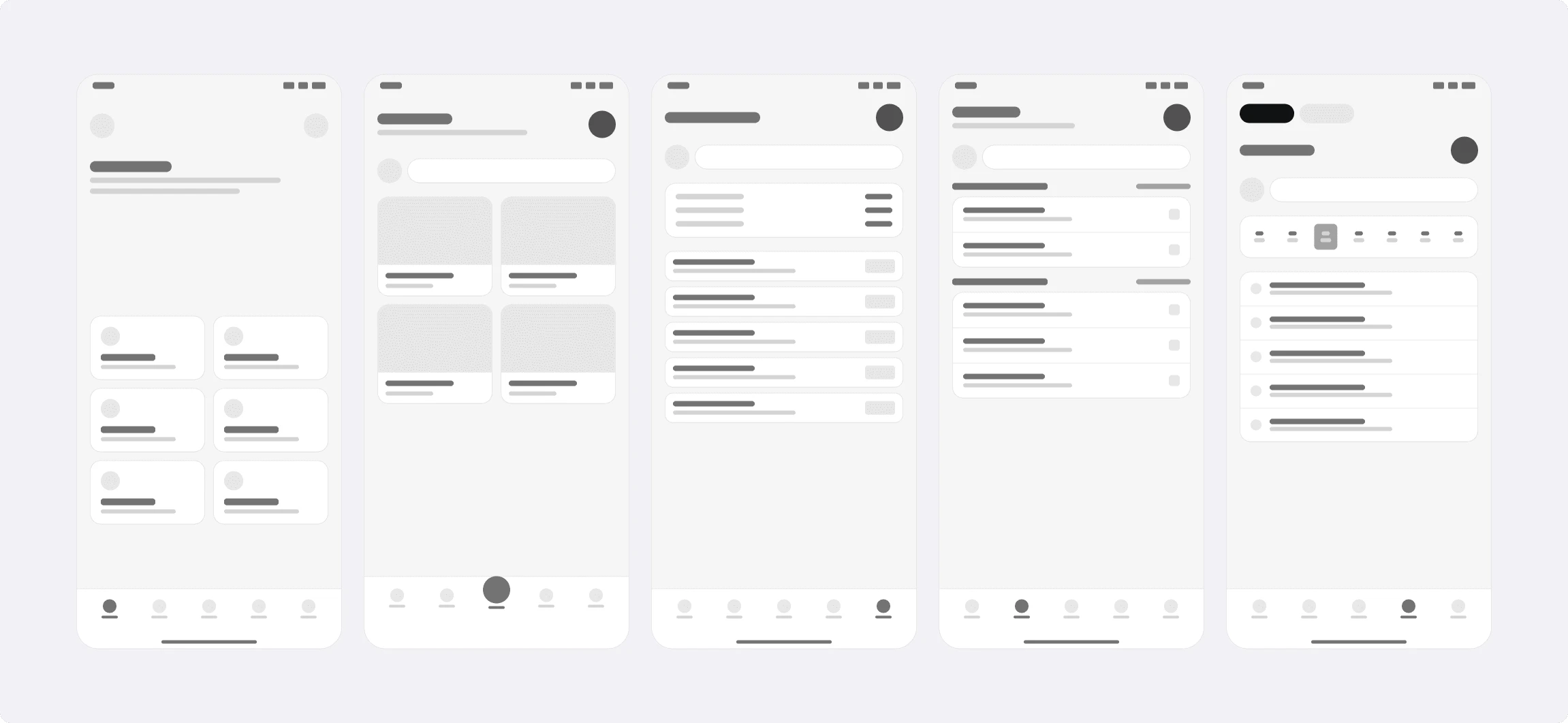
End-to-End Wireframes & OCR Exception Flows
Every screen state—loading skeleton, high-confidence auto-fill, low-confidence amber highlight, and network timeout—was specified before prototyping.
 Expand diagram
 Expand diagram
Handling Real-World Accounting Edge Cases
The specification addresses scenarios that break naive trackers: internal transfers between Cash and Bank accounts, refunds, backdated transactions affecting past monthly budgets, and deleted categories.
Data Model & Business Rules
Clean ledger math and proactive budget guardrails.
A finance app loses credibility the moment wallet balances don't add up. I defined strict ledger invariance rules ensuring every transaction, transfer, and balance adjustment is atomic and auditable.
Core Data Model & Ledger Rules
- Separated `Transaction` types (`EXPENSE`, `INCOME`, `TRANSFER`) so internal transfers never inflate monthly spending reports.
- Linked `OCRScanResult` metadata (`ConfidenceScore`, `RawText`, `BoundingBox`) to transactions for auditability.
- Configured `BudgetRule` entities with customizable alert thresholds and rollover options.
- Supported soft-deletion (`isArchived`) on wallets and categories to preserve historical reporting integrity.
 Expand ERD diagram
Key Business Rules (BR)
- BR-01 (Transfer Neutrality): A transfer between Wallet A and Wallet B debits A and credits B atomically without altering net worth or category expense totals.
- BR-02 (OCR Confidence Gate): Fields extracted with confidence < 0.75 must be visually highlighted and require explicit user confirmation before saving.
- BR-03 (Budget Alert Trigger): Crossing 80% or 100% of a category's monthly budget triggers at most one push/in-app notification per threshold cycle.
Wireframes & Acceptance Criteria
From testable Acceptance Criteria to interactive prototype.
Every User Story was paired with Given/When/Then Acceptance Criteria and linked directly to its corresponding Figma wireframe component.
Sample Acceptance Criteria (Given / When / Then)
- GIVEN the user uploads a receipt image, WHEN the OCR engine returns a total amount with confidence < 75%, THEN the amount input field is highlighted in amber and the 'Save' button displays 'Review & Confirm'.
- GIVEN a user has set a 2,000,000 VND monthly Dining budget, WHEN a new 300,000 VND expense pushes total Dining spend to 1,650,000 VND (82.5%), THEN an inline 80% threshold warning banner is displayed.
- GIVEN the user records a 500,000 VND transfer from 'VCB Bank' to 'Cash Wallet', WHEN viewing the Monthly Expense Breakdown, THEN the 500,000 VND transfer is excluded from spending totals.
ExpandExpand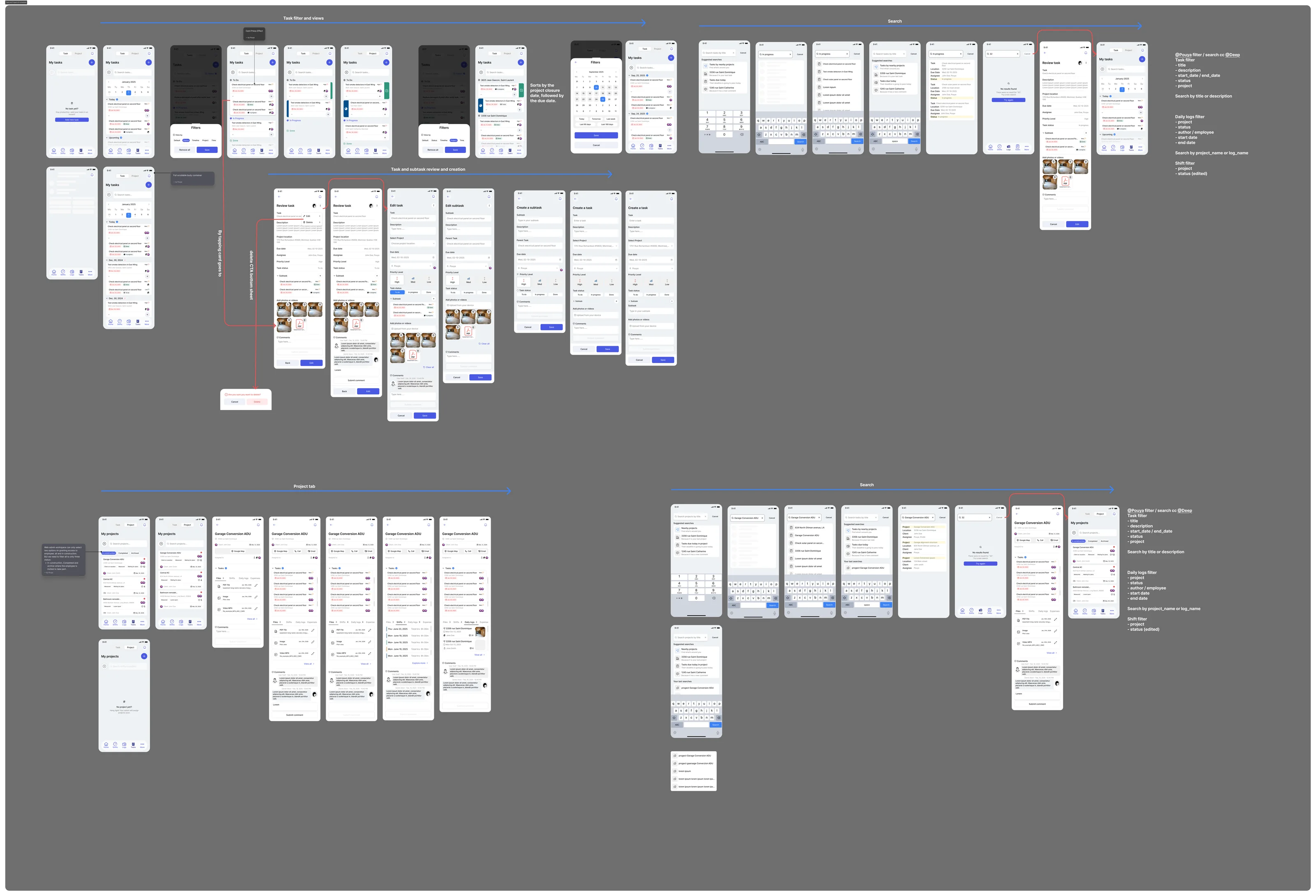 Expand
 Expand